Your movie collection,
finally feels like an OTT.
Shutter turns movies scattered across your hard drives into one beautiful library. Remember where every movie lives. Browse your entire collection offline. Play the best version when the drive is connected.
Free · Local-first · No account required




Game of Thrones (2011)
Seven noble families fight for control of the mythical land of Westeros, while an ancient evil awakens in the farthest north. 8 seasons · 73 episodes.
Continue Watching· 4 items in progress




Your movies are everywhere.
Different hard drives, inconsistent folder structures, cryptic release filenames, and no single place that remembers which drive holds what.
Shutter turns all of that into one library.
Fingerprints every physical volume. Parses audio languages, HDR specs, and video formats. Automatically matches verified TMDB posters and artwork without touching or renaming your original files.
A library that knows where everything lives.
Other media players give you broken grey squares when a drive is unplugged. Shutter treats offline as a natural first-class state.

Interstellar

The Godfather
Drive disconnected? Your library doesn't disappear. Artwork, ratings, plot synopses, and resume positions are safely stored in your local catalog.
Built from the ground up for movie collectors.
Every feature is designed around real media habits: large external drives, multi-audio tracks, offline storage, and pristine local playback.
One library
Movies and series from every drive and network share in one place. Stop browsing separate drives or switching between file explorer windows.
Offline-aware
Shutter remembers content even when the drive is unplugged. Posters, details and resume points stay immediately accessible.
Best version automatically
4K, HDR, Dolby Vision, HEVC, audio quality, and bitrate are evaluated to play the highest fidelity copy.
Indian languages, properly handled
Tamil, Telugu, Malayalam, Kannada, Hindi, and English audio tracks are treated as first-class metadata, not hidden tags.
Clean names. Untouched files.
Shutter creates clean display names without modifying, renaming, or moving your original media files.
Collections
Movie franchises grouped automatically and shown in release order.
Continue Watching
Pick up exactly where you stopped. Progress, watch history and Watch Again rows are kept for every title.
Windows + Mac
One library experience across both operating systems with hardware-accelerated video playback.
Drives on your router or NAS
Plug a hard disk into your Wi-Fi router or keep films on a NAS. Shutter catalogs and plays shared folders over your home network.
Skip Intro and Credits
A Skip Intro button during the opening, and the next episode ready when the credits roll.
Subtitles your way
Choose subtitle size, colour, background and position, and fix subtitles or audio that are out of sync.
Collector tools
Find duplicate copies, older versions superseded by better ones, and files that still need identifying.
Your collection.
The way you expect an OTT to feel.
Fluid navigation, poster carousels, progress tracking, and beautiful typography. No web server latency. Instant local response times.
Continue Watching(4)


Recently Added to Library


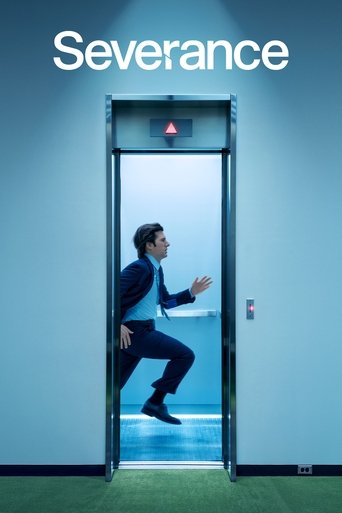


Curated Collections & Franchises



Made for people who actually own their movies.
“Streaming services come and go. Licenses expire. Content gets quietly altered or deleted. Your collection stays yours.”
You spent years building your high-bitrate archive. Shutter provides the luxurious, modern playback interface your media library deserves.
Multiple drives converge into one unified library
One Unified Library
Unified search, single poster wall, cross-drive collections, and seamless offline-aware playback.
The mess stays on the drive.
The library doesn't.
Other organizers bulk-rename your folders. Shutter shows clean display names without changing a single byte on your drive, and renames files only if you ask, with a preview and one-click undo.

Ponman
Always find the best version.
Movie collectors frequently acquire upgrades over time. Shutter inspects codecs, bitrates, color gamuts, and spatial audio to serve the definitive edition.
Your files. Full quality.
Powered by the mpv engine with hardware decoding on your strongest graphics card. No transcoding and no re-compression: the file plays as it is.
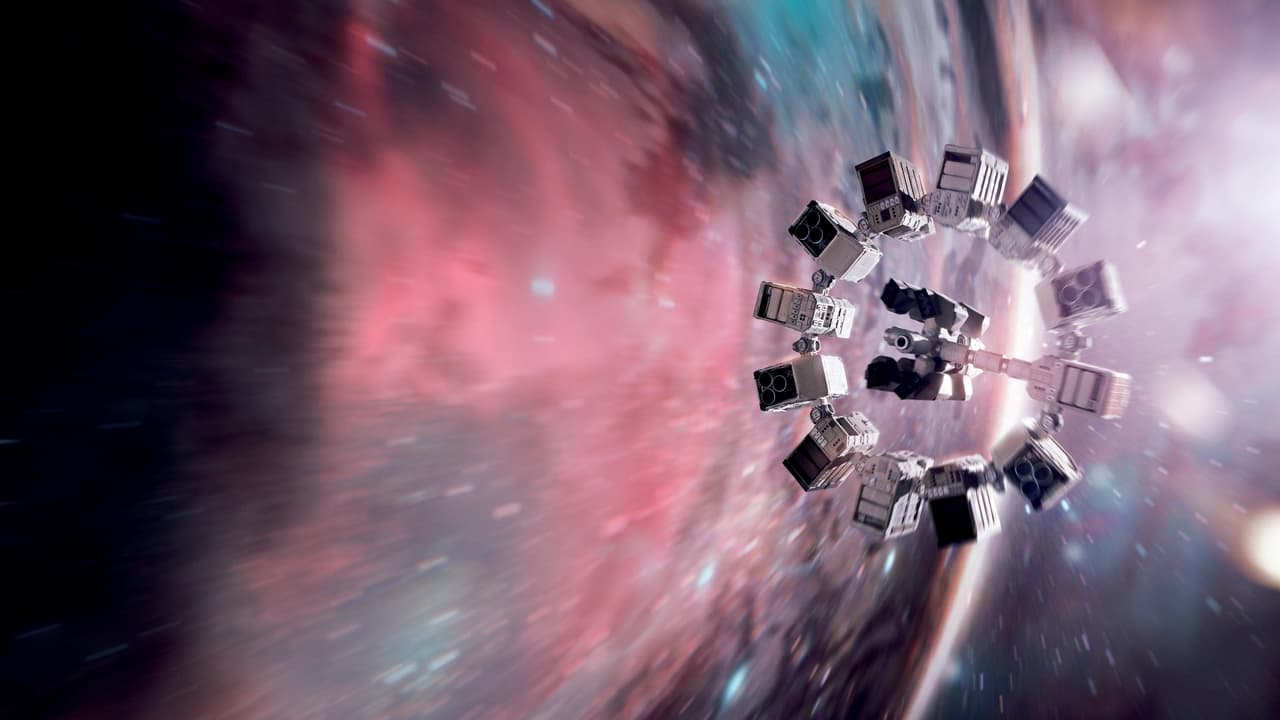
Interstellar (2014)
Skip Intro and Credits
From chapters, the season’s shared theme, or your own marks.
Chapters
Marks on the seek bar, a chapter menu, and jump keys.
Subtitle style and sync
Size, colour, position, and timing fixes saved per file.
Night mode
Evens out loud action and quiet dialogue.
Picture controls
Fill an ultrawide screen, or brighten a dark scene.
Media keys
Keyboard media keys and the Windows volume flyout work.
Mini player
A small always-on-top window while you work.
Screenshots and stats
Save a frame; see codec, HDR, bitrate and dropped frames.
No account required.
Your library lives on your computer first. No mandatory cloud dependency. No telemetry surveillance.
No Account
Download and open. Zero onboarding forms or email verification.
Add Drives
Point Shutter to any external or internal folder.
Build Library
Fast local SQLite cataloging with background ffprobe inspection.
Watch Movies
Bit-perfect direct playback with GPU acceleration.
Track Progress
Resume timestamps and ratings saved on your computer.
Want sync between Windows and Mac?
Sign in whenever you want. Your watch history, progress, favourites, watchlist and ratings are backed up to your account, so you can pick up on another computer where you left off.
One collection. Two platforms.
Use Shutter on your Windows desktop workstation. Continue right where you left off on your MacBook. Your collection stays with you.


Your collection stays yours.
Privacy isn't an afterthought or a setting toggle. Shutter is engineered so your personal media archive never leaves your own drives.
Local-first architecture
All catalog tables, artwork caches, and metadata live in an isolated SQLite database on your machine.
Zero media uploads
Shutter never streams, copies, or uploads your videos to any third-party cloud server.
No file paths synced
Internal folder hierarchies, hard drive mount points, and drive names remain entirely on your computer.
No filenames sent to cloud
Metadata searches match sanitized titles, so raw file and folder names never leave your device.
No ads or subscriptions
No trackers, no telemetry SDKs, no behavioral profiling, and no recurring monthly paywalls.
No media server complexity
No open firewall ports, no remote transcoders, and no port-forwarding vulnerabilities.
How it works
Four simple steps to transform years of unorganized hard drives into a personal streaming experience.
Connect a drive
Plug in a USB hard drive or portable SSD, pick a local folder, or add a shared folder from your router or NAS.
Shutter scans
Movies and TV series are automatically identified, parsed, and probed for video codecs and audio channels.
Your library appears
High-res posters, cast info, release years, quality badges, and Indian audio tags populate instantly.
Press play
Enjoy bit-perfect 4K HDR playback. When a drive is unplugged, your library stays right where you left it.
Your collection is waiting.
Turn years of hard-drive chaos into one beautiful movie library. Download Shutter today for your desktop.
Free · Local-first · No account required
Frequently answered questions
Everything you need to know about how Shutter organizes and plays your media.